 Trayci
Claude Code, Codex, and Antigravity usage, one click away.
Every quota and every reset, right in your tray on Linux and Windows. No new account, no stored credentials.
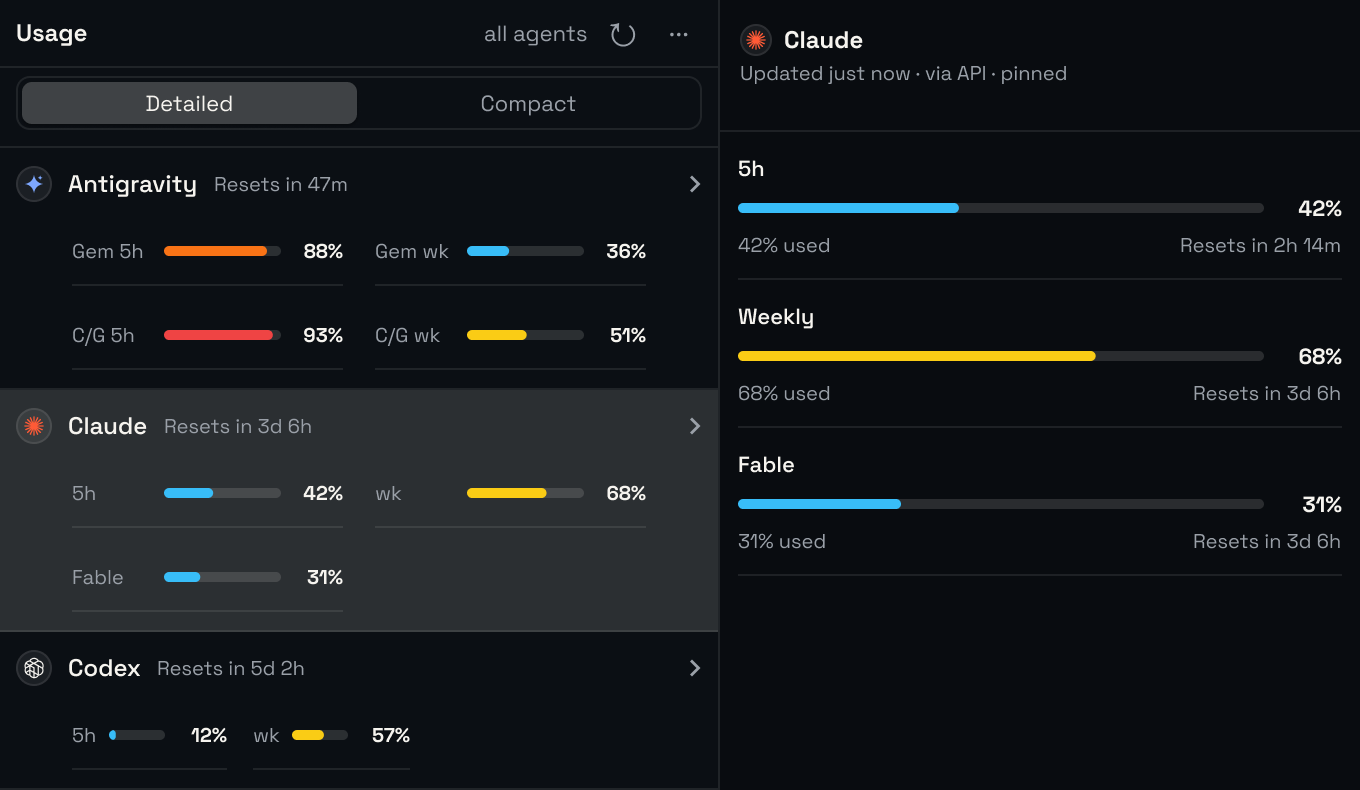
Every limit at a glance
Fresh numbers on your schedule, and again the moment your computer wakes.
Detailed or compact
See every limit in full, or only the one that matters.
Know when it resets
A countdown on every limit, so you know when you're back.
Notifications you choose
A heads-up before you run out, and another when you're back.
Light, dark, or Auto
Matches your desktop, at the text size you read best.
Local-first, credential-free
Uses the sign-in your CLIs already have. How it handles your sign-ins
Drag it anywhere
Move the popover wherever it suits you.
Nothing new to sign in to
Reuses the sign-in you have
Trayci fetches your usage with the sign-in Claude Code, Codex, and Antigravity already have. There's no account to create.
Never stores credentials
Your sign-ins are read, never copied or saved. Each CLI keeps its own.
Stays on your computer
Your settings and usage cache live on your machine. There's no Trayci server.
Where it runs
-
Linux
Ubuntu, Linux Mint, and more, on 64‑bit Intel and AMD PCs.
-
Windows
Installs in a few clicks on 64‑bit Windows.
-
Works with your CLIs
Install and sign in to Claude Code, Codex, or Antigravity's agy. Any one is enough.
Install Trayci
Version 0.4.5, from GitHub Releases.
Terminal Linux and Windows
curl -fsSL https://reqhiem.github.io/trayci/install.sh | shirm https://reqhiem.github.io/trayci/install.ps1 | iexAppImage Linux amd64
chmod +x Trayci_*_amd64.AppImage && ./Trayci_*_amd64.AppImage